

SLV AI
SLV AI - The AI Agent for Solana Devs
SLV AI is the AI agent for Solana developers. It lets you move Solana validator operations, RPC node setup, and app development forward in natural language with built-in Solana skills.
After
slv onboard, open slv c and work together with the AI agent. The setup path is intentionally short: connect your AI provider, choose a model, pick your skills, and start.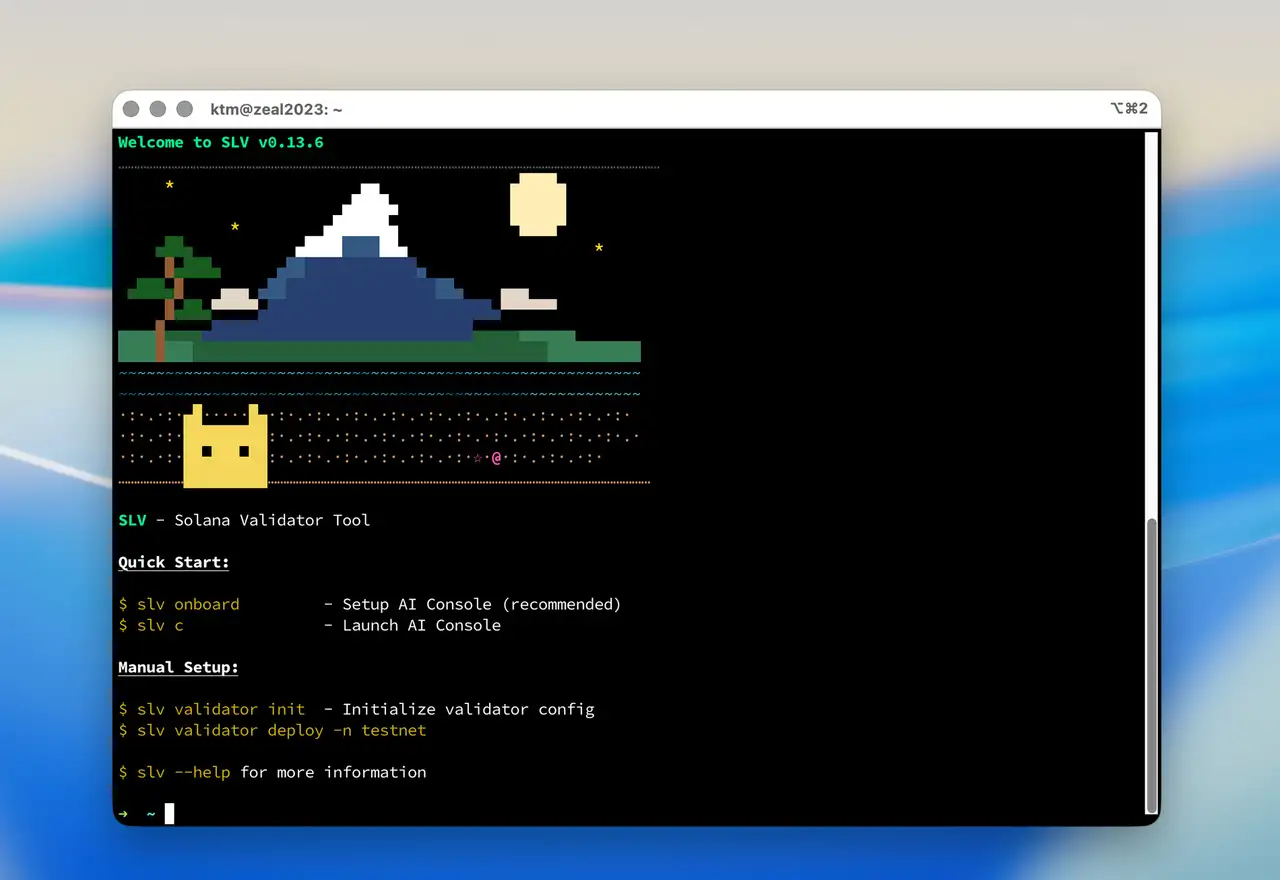
Watch the setup flow
This video shows the zero-code onboarding flow with SLV AI.
Install SLV first
bash
curl -fsSL https://storage.slv.dev/slv/install | shcurl -fsSL https://storage.slv.dev/slv/install | shStart in two commands
bash
slv onboard
slv c
slv onboard
slv cslv onboard configures your AI provider, model, agent profile, and Solana skills in one guided flow. When setup is complete, slv c opens the AI Console and routes requests into the right specialist workflow.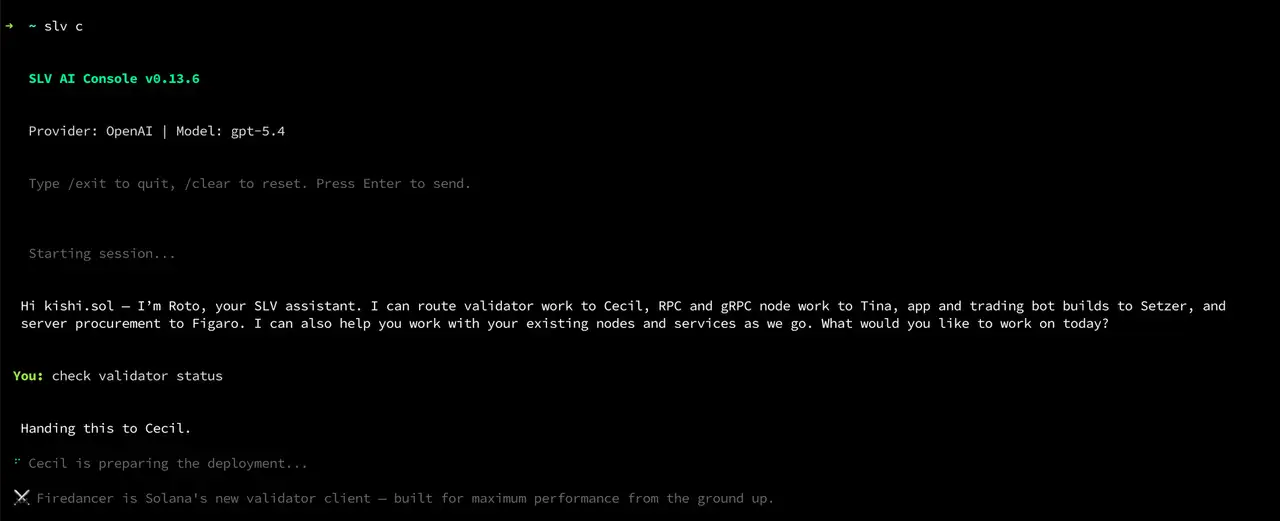
What the built-in Solana skills cover
- Solana validator deployment, updates, downgrade planning, and migration
- Solana RPC node setup and Solana Geyser gRPC configuration
- Solana app scaffolding and no-code development with the AI agent
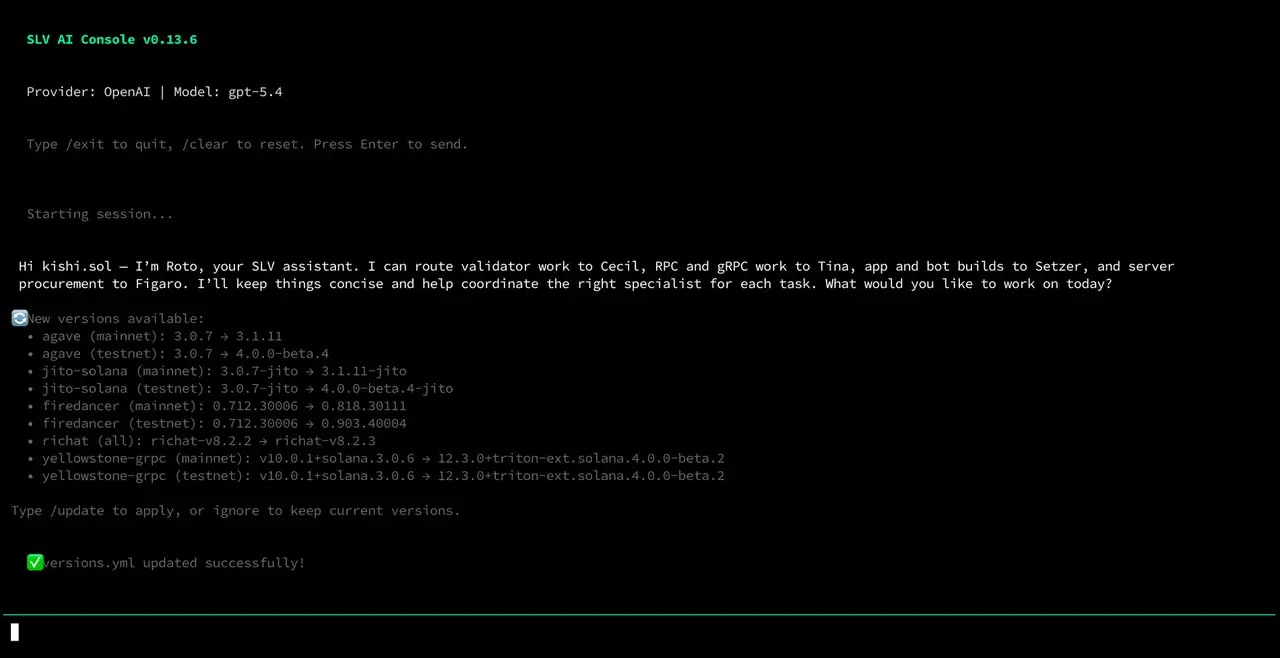
- Automatic checks for new versions of
agave,jito-solana,firedancer,yellowstone-grpc, and related components
Local mode and remote mode
SLV AI supports both local mode and remote mode.
In local mode, you run SLV directly on the machine you SSH into. Important keys stay in the local environment while setup, updates, migration, validator operations, RPC node operations, and Solana app development can all move forward with no code alongside the AI agent.
In remote mode, you use a management machine to control multiple nodes and scale into Ansible-based multi-node operations. Start local if you want the most direct path, then carry your configuration into remote management when your operation grows.
A natural migration path from solv
If you are moving from solv, local mode keeps the familiar style of operating on the node you log into. SLV AI adds MCP-ready tooling, AI-guided migration, and continuous tracking of Solana client versions, so moving forward is simpler than rebuilding your workflow from scratch.
Why SLV AI matters
AI-assisted operations are not just a UI improvement. They reduce the cognitive load of remembering flags, cross-checking documentation, and tracking fast-moving client updates by hand. Lower cognitive load means fewer operational mistakes and more room to focus on performance, placement, and product development.
Combine SLV AI with ERPC
When you deploy environments built with SLV on the ERPC platform, you also gain Solana-optimized infrastructure, fast snapshot paths, and zero-distance communication with platform services. SLV AI handles the workflow, and ERPC gives that workflow a faster operating environment.