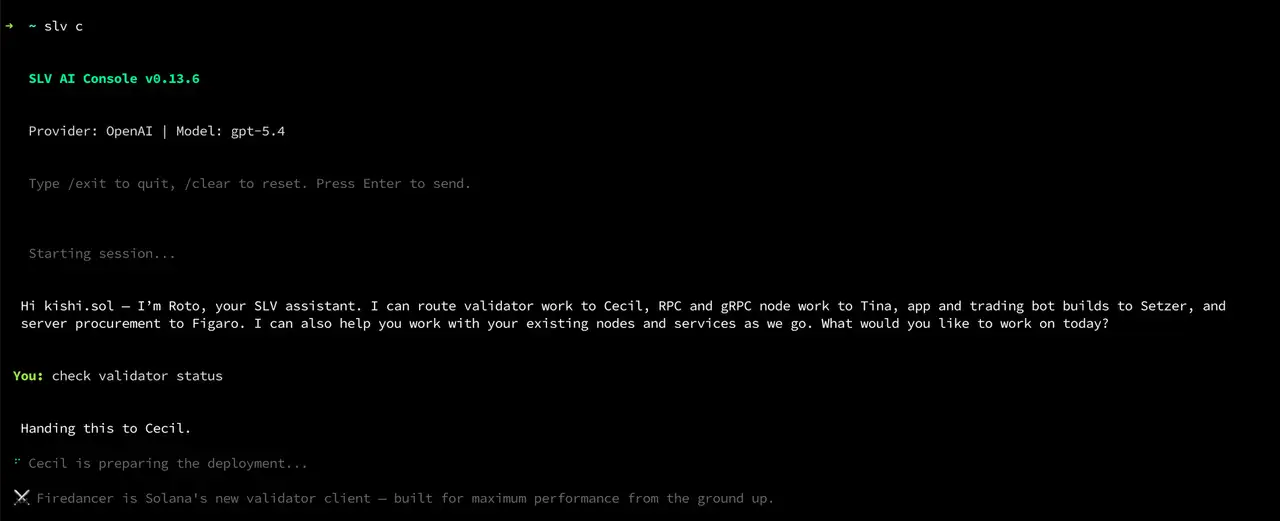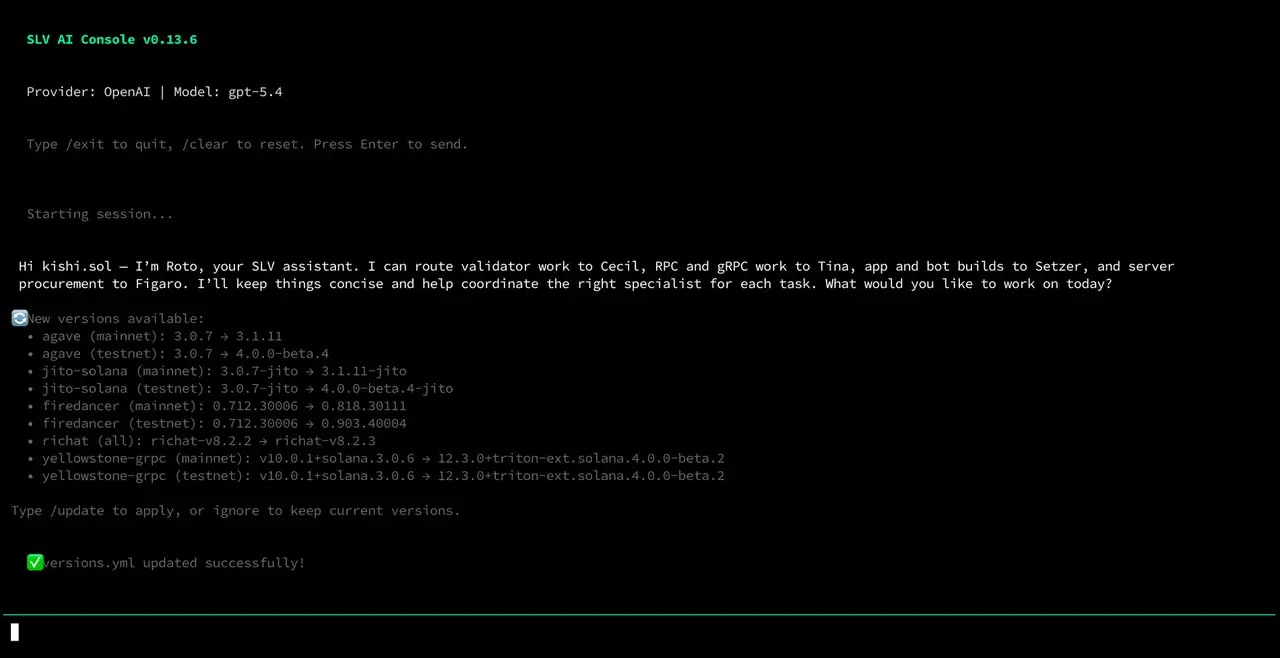








FAQ - How to Start SLV AI
Q. How do I start with SLV AI?
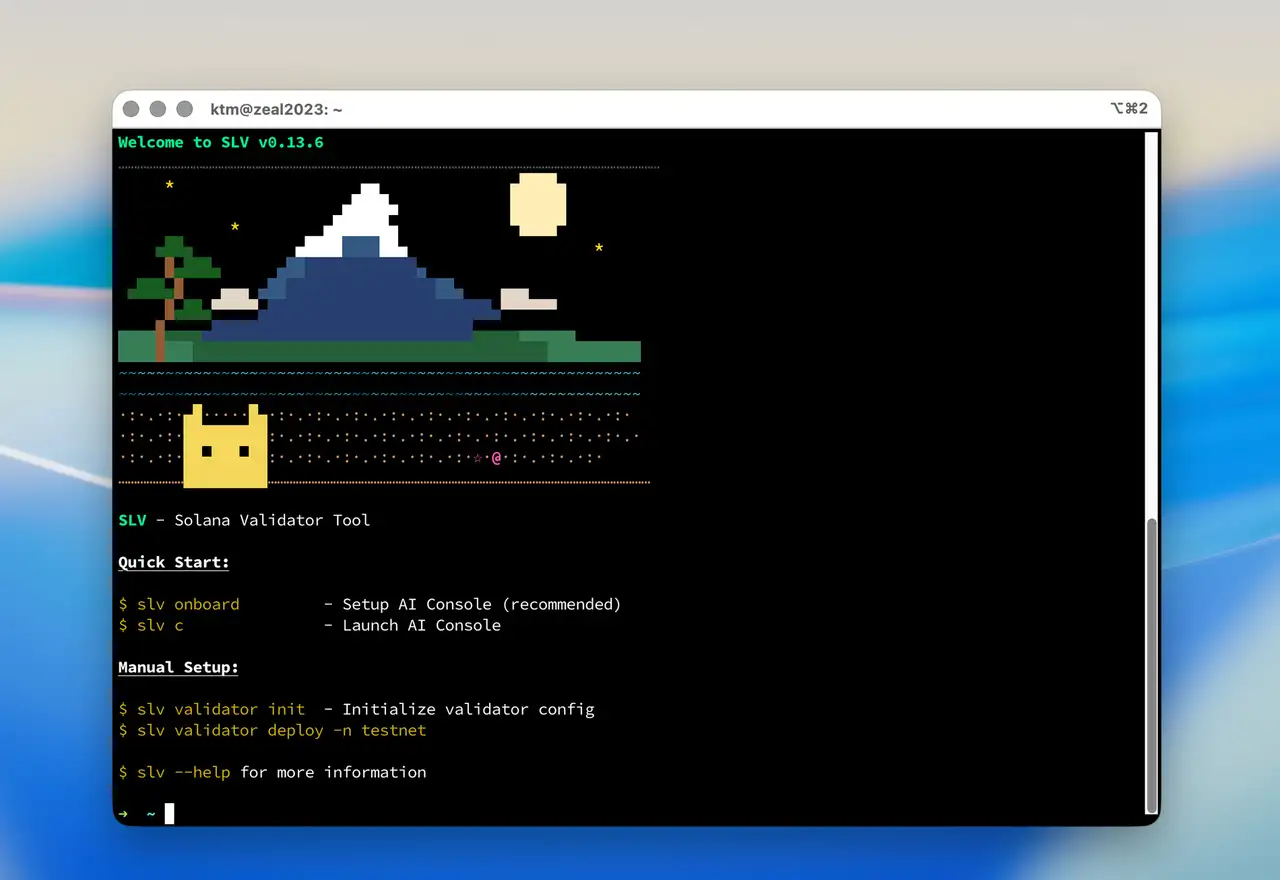
Install SLV first.
bash
curl -fsSL https://storage.slv.dev/slv/install | shcurl -fsSL https://storage.slv.dev/slv/install | shThen continue with
slv onboard and slv c.bash
slv onboard
slv c
slv onboard
slv cUse
slv onboard to configure your AI provider, model, and built-in Solana skills. Then open the AI Console with slv c, and manage Solana validators, RPC nodes, and app development workflows through natural language in local mode or remote mode.If you want a full walkthrough, visit the SLV website. If you want help with setup or migration, open the ERPC Web Dashboard.
Q. What should I try first?
Start with local mode on the machine you already SSH into. Keep critical keys in your local environment and move through setup, upgrades, migrations, validator operations, RPC node management, and Solana app development together with the AI agent in a no-code workflow.